AirMouse for Android
For Android phones running Android 7 or later. No account to create, no ads, no analytics.
An iPhone version isn't available yet.
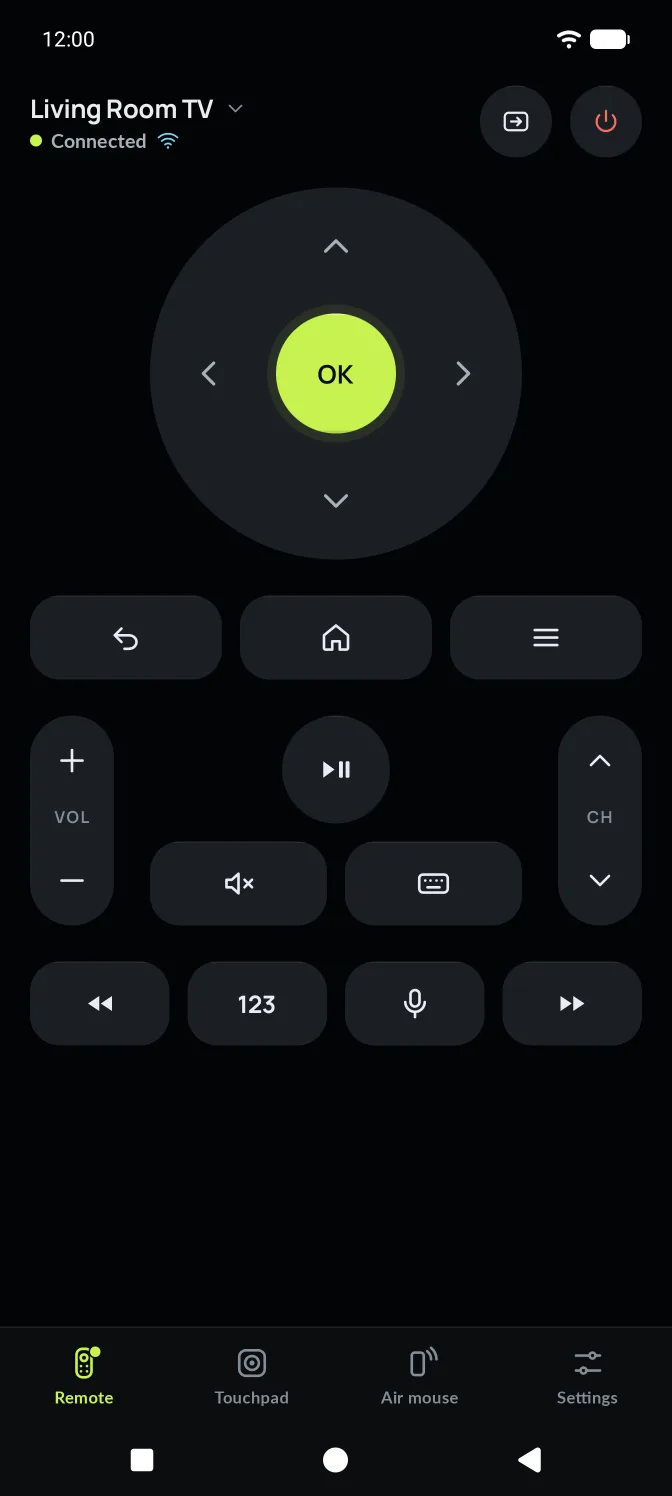
Connected in four steps
You do this once per TV. After that, AirMouse opens straight to it.
Install AirMouse
From Google Play, on your Android phone.
Take the short tour
Three screens on what AirMouse does. Skip it any time.
Choose Wi-Fi or Bluetooth
Wi-Fi for smart TVs on your network. Bluetooth for sticks and TVs without Wi-Fi.
Confirm on your TV
Enter the code shown on the TV, or choose Allow. Roku needs neither.
A three-screen welcome.
What you'll see the first time you open AirMouse.
Your phone is the remote
Control your smart TV with a touchpad, air mouse, media keys and your phone's keyboard.
Three ways to control
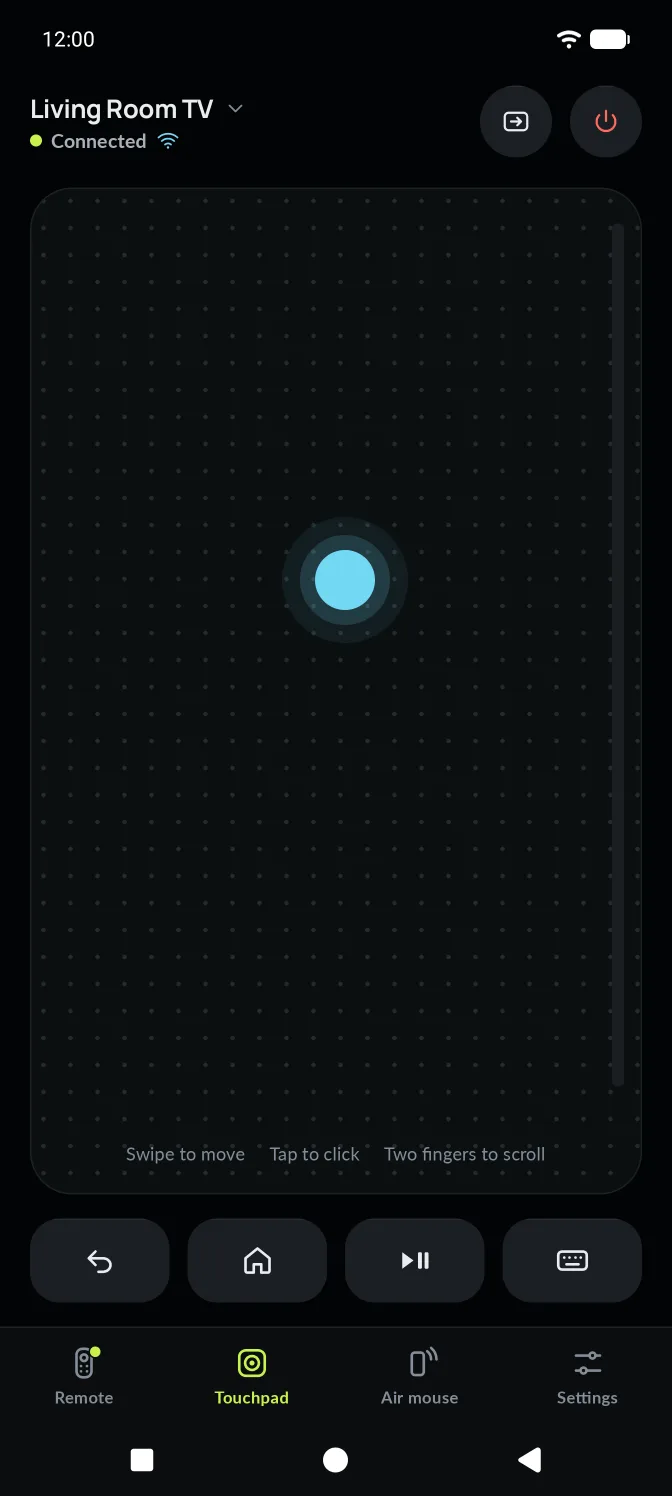
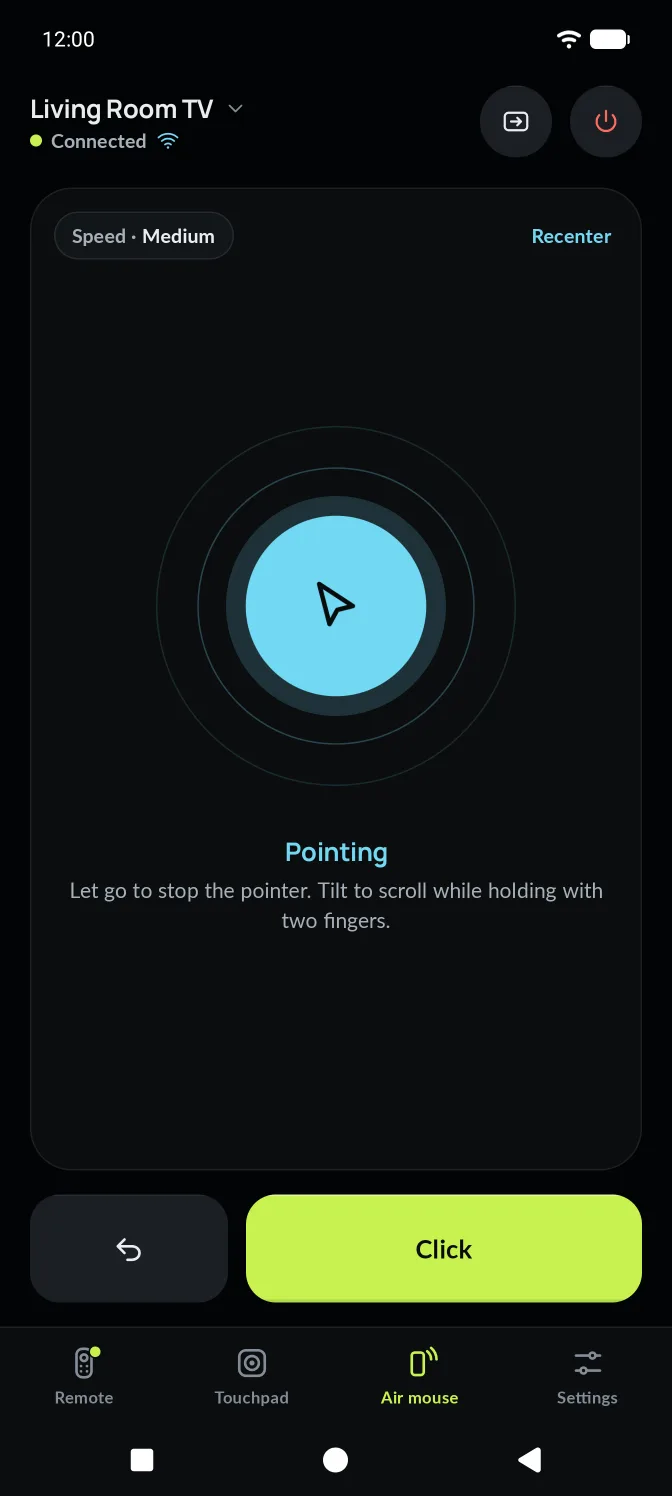
Use the D-pad, swipe the touchpad, or point your phone with air mouse. Switch any time.
Works with the TV you have
AirMouse picks the right connection for you. Your TV stays connected the next time you open the app.
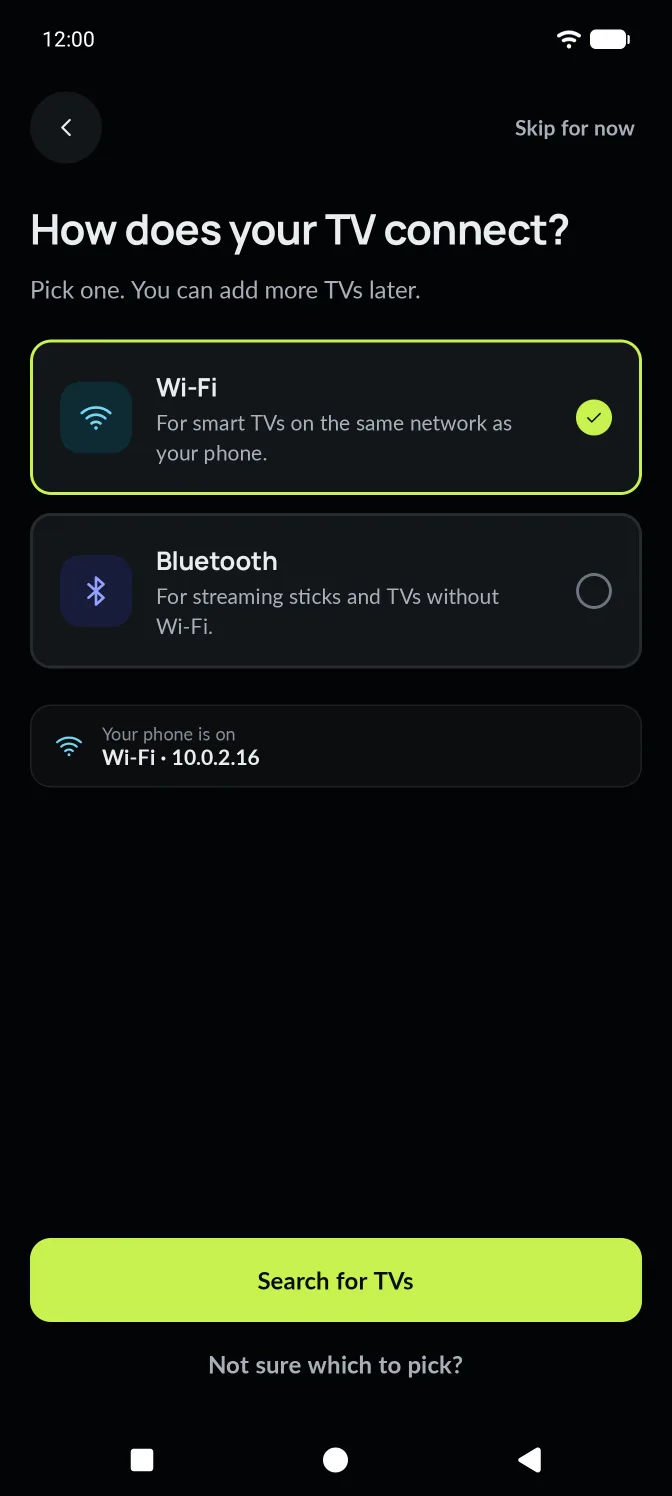
How does your TV connect?
Pick one. You can add more TVs later.
Not sure which to pick? The app explains both, with examples.
Asked only when needed. With a reason first.
AirMouse asks for each permission only when it needs it, and explains why before Android asks you. You can change them any time in Settings › Permissions.
Said no by mistake?
AirMouse tells you what stops working, and offers two ways back: try again, or open Android Settings. When you return, it carries on by itself.
Local network is off
AirMouse can't find Wi-Fi TVs without it. Turn it on in Settings, then come back here.
AM-201 · local network denied
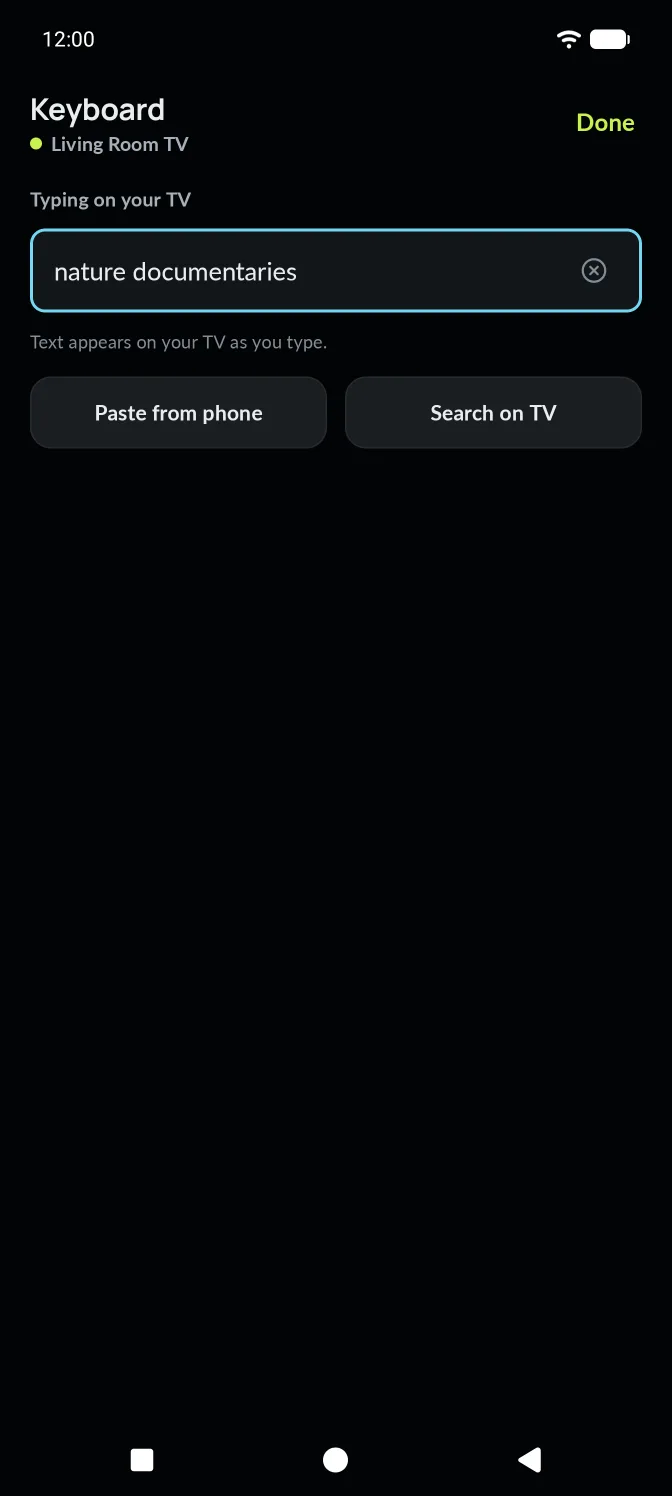
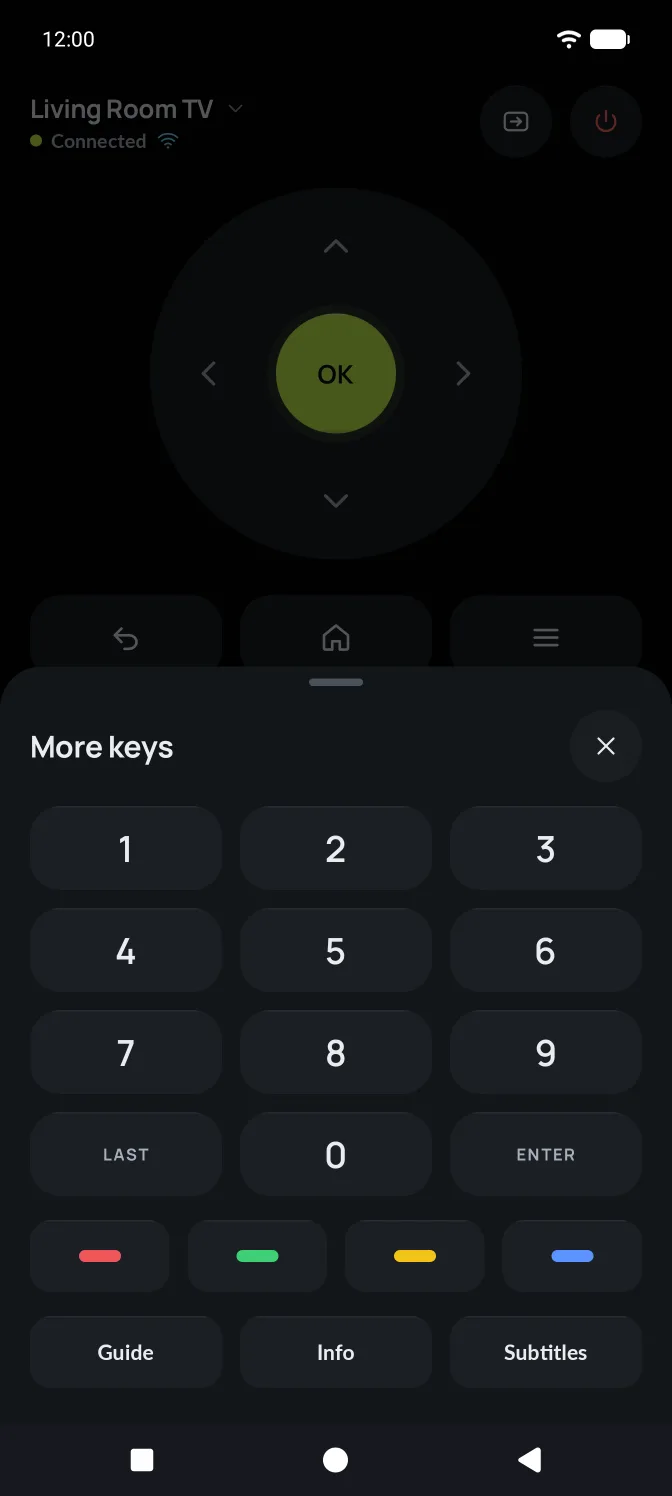
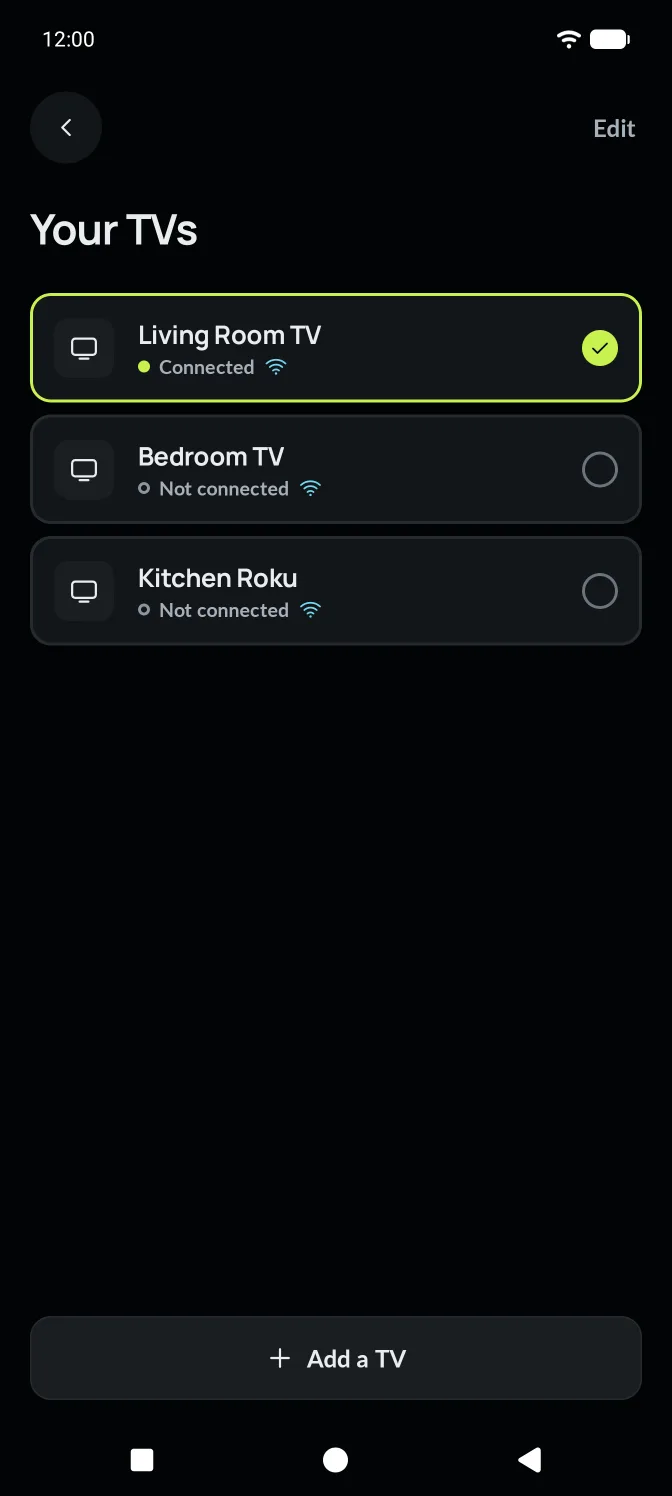
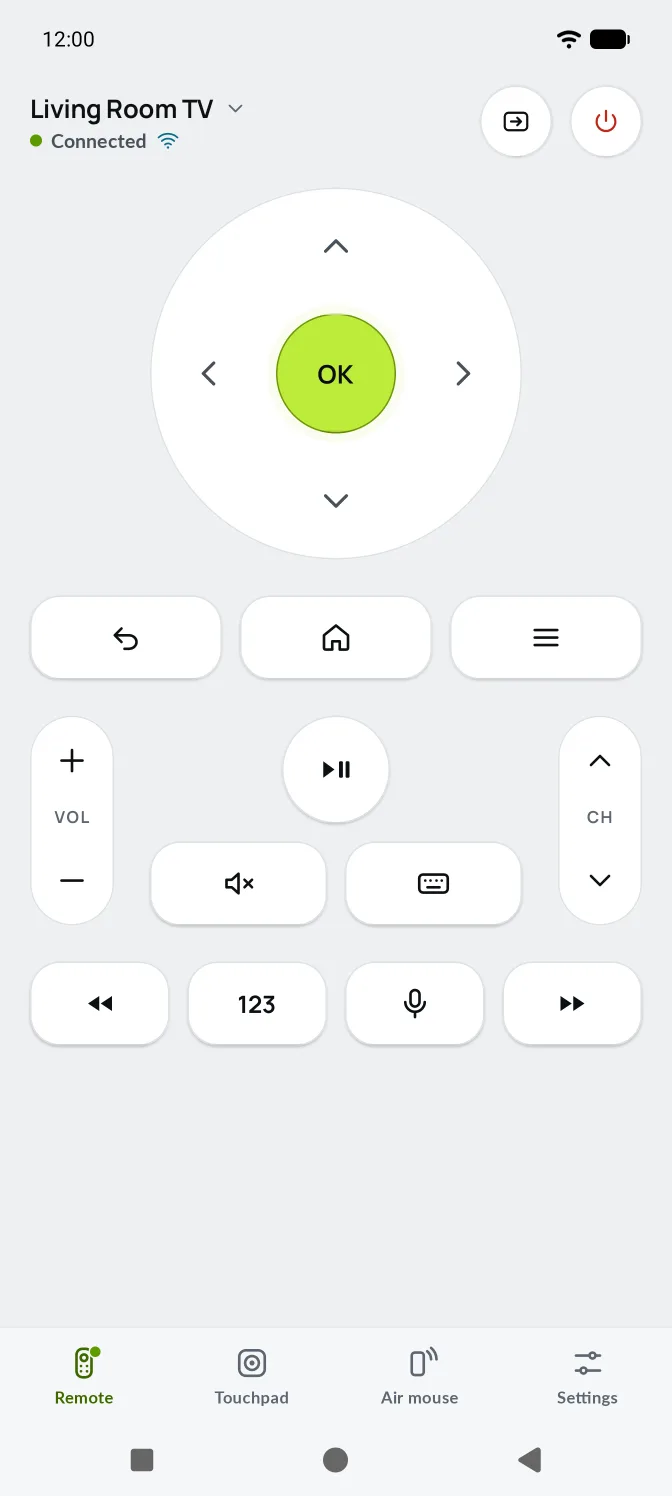
A look inside
Screens from the app. Scroll sideways for more.
Light by design
No internet needed
Commands go from your phone to your TV inside your home network. Bluetooth needs no network at all.
No ads or analytics
No advertising ID, no analytics or crash-reporting services. Nothing in the way of the remote.
No account
No sign-up, no servers of its own. Open the app and pick your TV.
Stored on your phone. Locked by its hardware.
The TVs you pair and your settings stay on your phone. Connection keys are encrypted with a key held in your phone's secure hardware, and paired TVs are left out of Android backups and device transfers.
Stored on this phone
Removing a TV, or AirMouse
Forget one TV
Your TVs › the TV › Forget this TV. Its name, address and keys are removed.
Start fresh
Clear AirMouse's storage in Android Settings › Apps › AirMouse.
Uninstall
Everything AirMouse stored goes with it. There's nothing held anywhere else.
Before you install
Is there an iPhone version?
Not yet. AirMouse is for Android phones running Android 7 or later.
Why does Bluetooth mode need Android 9?
Acting as a Bluetooth keyboard and mouse needs a feature Android added in version 9, and some phone makers leave it out. AirMouse checks and tells you if your phone can't do it, and offers Wi-Fi instead.
Does my phone need a gyroscope?
Only for the air mouse. Without one, AirMouse says so and the touchpad does the same job.
Does AirMouse work as an infrared remote?
No. It uses Wi-Fi or Bluetooth. Check your TV.
Do I need to sign in?
No. AirMouse has no account.
Ready when your TV is.
Install AirMouse and connect to your TV.